













Why firms move their payments to Legl
Faster cash
Legl invoices are paid median of 16 hours instead of weeks.
24/7 payments
Accept payments at any time, even outside of office hours.
Automatic reminders
Send automatic payment reminders customised to your firm’s branding and tone.
Simple reconciliation
Every payment includes full references and reconciles to the right client file on its own.
600+ law firms trust Legl with their payments and onboarding
Partnering with Legl allows us to modernise a core part of our client experience, how clients pay us, and to do so in a way that is secure, efficient and simple.
Andrew Mahoney
,
Head of Finance


We wanted to make it easier for clients to pay, reduce admin for our team, and improve our overall cash flow. Legl offered exactly what we needed, tailored for law firms.
Chris Barber
,
Managing Director


The automated, bespoke reminders and payment links have made it easy and really driven the speedy payments, especially for overdue invoices. Legl delivers our clients an easy way to pay their invoices which is great for them and us.
Julia Taylor
,
Director of Client Services


Everything your firm needs to get paid quickly and compliantly
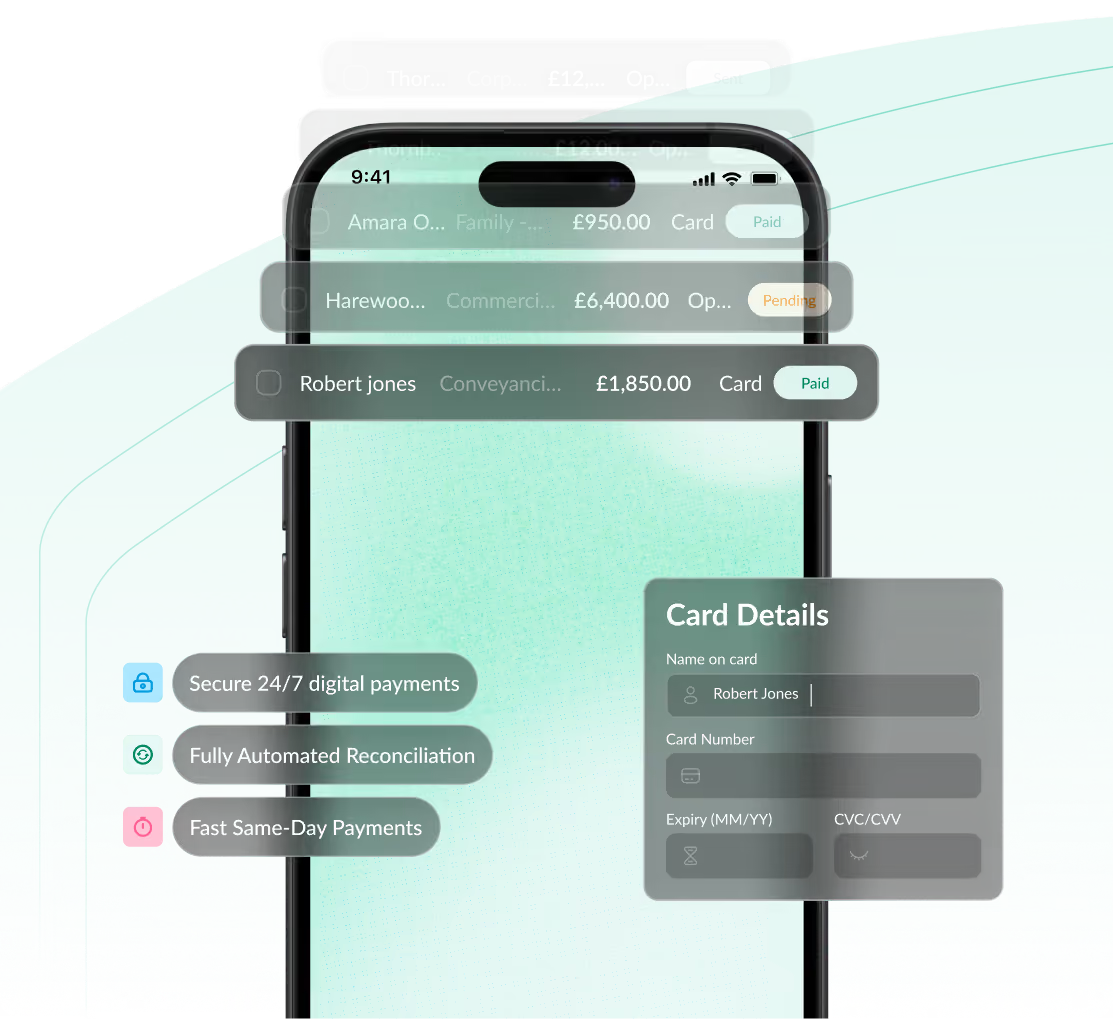
Offer flexible payment options
Let clients pay how they want, including by card, bank transfer or instalment plans.
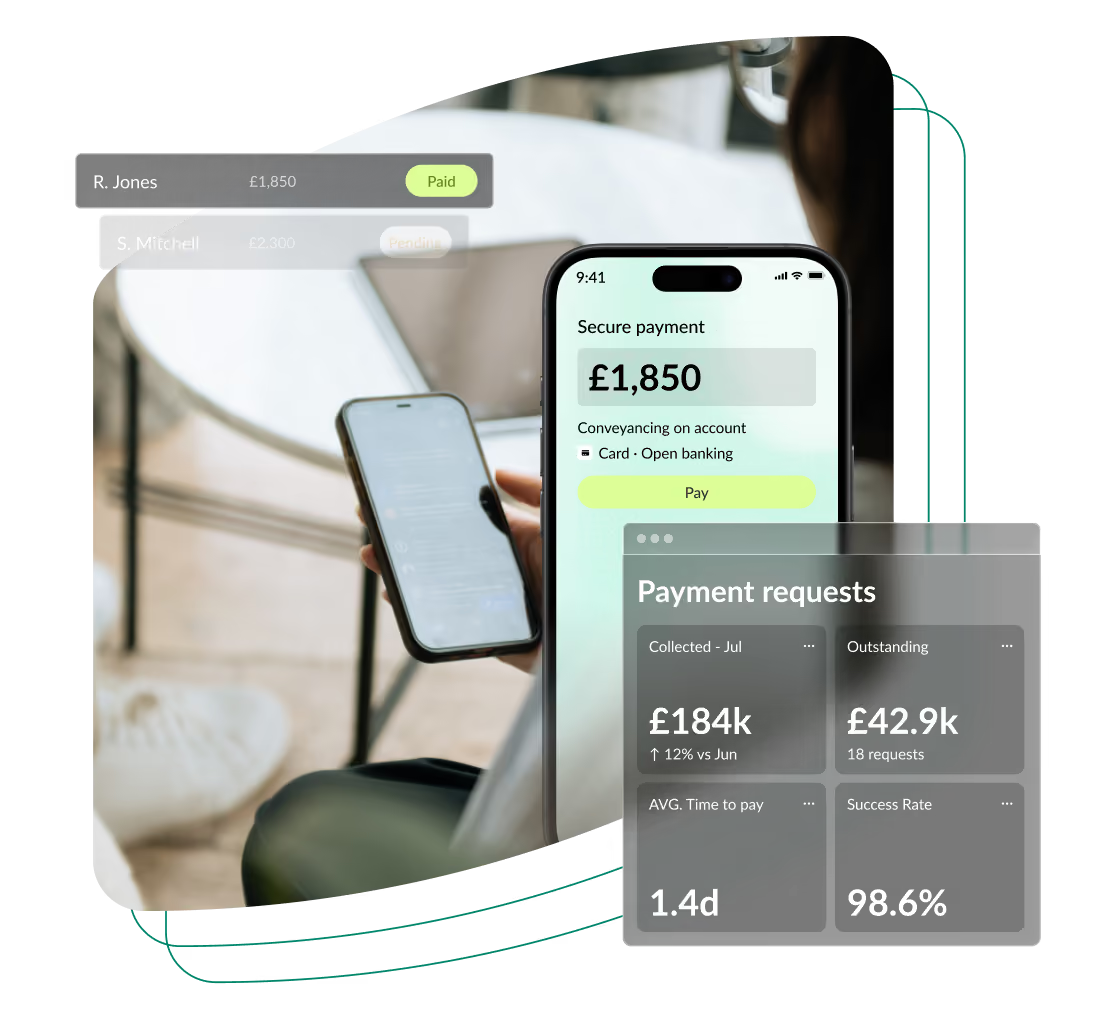
Less manual work
Automate payment requests, reminders and reconciliation so your team spends less time on admin.
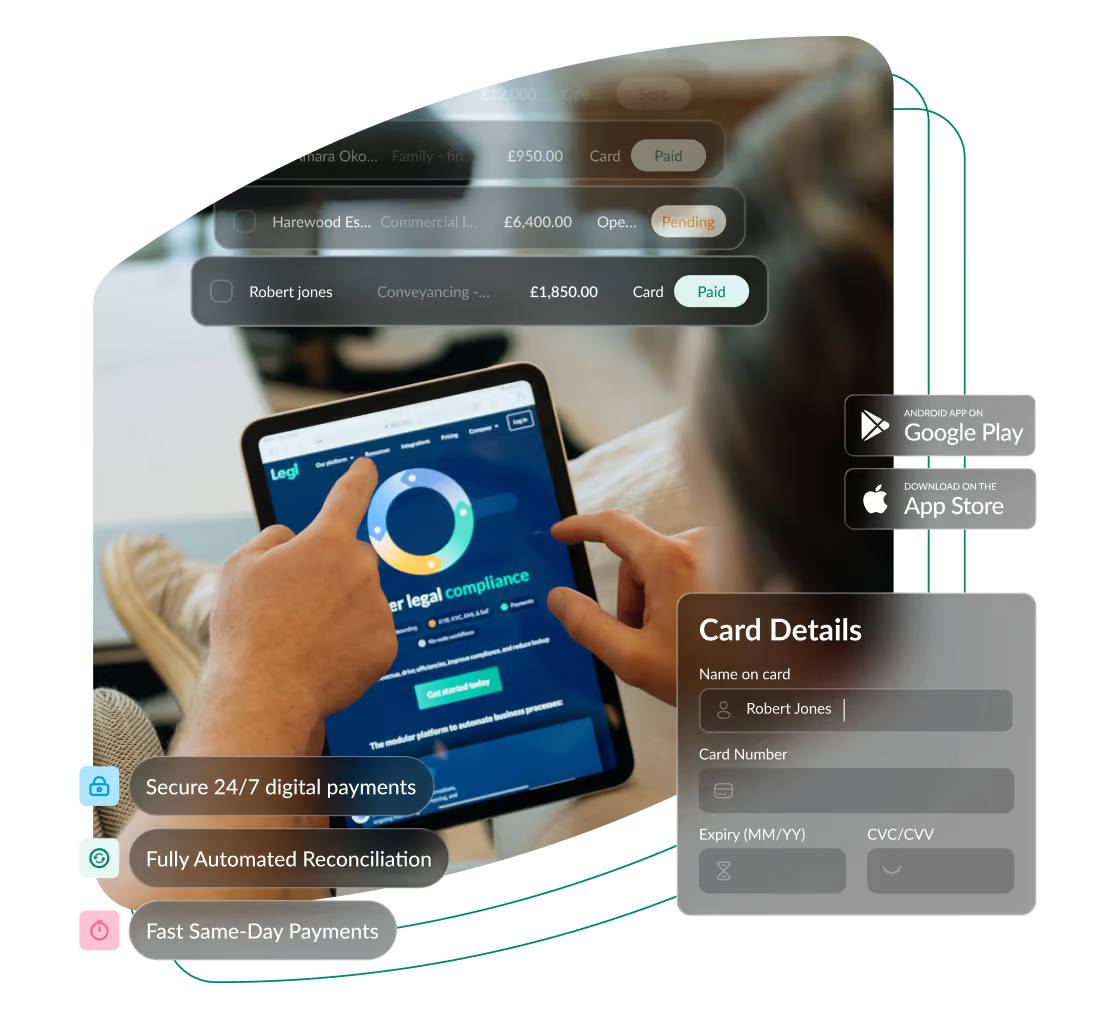
Your branding
Customise your payment portal with your colours and logo, giving clients a modern experience that feels like your firm from start to finish.





Frequently asked questions
What payment options does my client have with Legl?
Clients can pay by debit or credit card, by mobile wallet such as Apple Pay, or directly from their bank account with Pay by Bank, which uses open banking. American Express and internationally issued cards are switched on or off by your firm. Larger bills can also be split into monthly instalments using a payment plan. Your firm chooses which of these options appear at the point of payment.
Does Legl support multiple bank accounts like client account and office account?
Yes. You can connect more than one payout account (this is typically your client account and your office account) and choose which one a payment goes to at the point you create it, so funds always land in the right place. You can also set defaults: one account for your payment portal and embedded payments, and one that's pre-selected on payment requests and workflows. If your firm operates under more than one brand, each account can carry its own branding too. Admins manage all of this in Legl's Pay settings.
Can Legl help with credit control processes?
Yes. Legl gives you a real-time view of every outstanding payment, aged into 0–30, 31–60, 61–90 and 91+ day brackets so you can see exactly where debtor days are building. Automated, firm-branded reminders chase unpaid requests on a schedule you set, and stop the moment a client pays. You can upload a list of outstanding invoices as a batch and let Legl chase them all at once, offer a payment plan where a client needs time to pay, and track average time to pay by department in Insights.
Is it possible to add payment steps into client onboarding processes?
Yes. If you use Legl's client onboarding modules, you can drop a payment step straight into an onboarding workflow, so a client adds money on account, an onboarding fee or a search fee at the same time as completing their ID check and signing documents. This is done all in one journey, rather than a separate email and a separate link. You can fix the amount when you build the workflow or leave it open for whoever sends it. The payment then appears on both the client's CDD report and your Pay dashboard in Legl.
Can we take payments over the phone with Legl?
Yes. Any user with the right permission can take a card payment while the client is on the phone or in the office with no card machine required. The payment lands on your Pay dashboard immediately and the client is emailed a receipt. Card details are never stored on the platform, and admins can set a maximum value for phone payments.
How can I add Legl payments to my website?
Legl gives your firm its own secure checkout on a branded domain, for example yourfirm.legl.com/pay, which you can link to from a "Make a payment" button, or embed directly into a payment page on your own site using a short code snippet we provide. The same link works on invoices and in invoice emails. You can require clients to enter an invoice or matter reference before they pay, and even validate the format, so payments arrive already matched to the right bill. Our Support team or your Launch Manager will help you set it up.
Are there reminders included?
Yes, at no extra effort from your team. Once a payment request is sent, Legl automatically follows up until it's paid (by default after 1, 3, 7, 14 and 30 days). Admins can change that schedule, add up to 20 reminders, or switch reminders off for an individual request. You can also write your own copy for each reminder, so the tone shifts from gentle to firm as a payment ages. Reminders stop automatically the moment a client pays, and clients on a payment plan get an advance warning before each instalment is taken.
Does this include my firm's brand?
Yes. Your clients see your firm branding. Your logo, primary brand colour and contact details appear on the payment page and checkout. If your firm trades under more than one brand, Legl can set each one up and link it to the relevant bank account, so a client always sees the brand that matches the account they're paying into.
Can I set payment limits for my firm for different payment methods?
Yes. Admins can set minimum and maximum payment amounts across your firm, and override them for specific routes. You can set a firm-wide minimum and a separate minimum for your payment portal, a maximum for card payments with a separate cap for the portal, a maximum for phone payments, and a maximum for Pay by Bank. If a payment falls outside a limit, that method simply isn't offered to the client at checkout. Changes are self-serve and take effect immediately. Admins also control whether American Express and international cards are accepted.
What is the process for reconciling payments?
Every payment is captured with the payer's name, the invoice and matter references and a full transaction history, so you can see who paid, when and against what. The Transfers tab in your Legl account breaks each payout down into the individual payments it contains, with the transfer reference and the reference that appears on your bank statement, and you can export it to Excel or CSV. There are integrations with other systems that may further facilitate faster reconciliation, you can visit our integrations page for further information.